
2026-10-21 · 6 min read · By the Kluvan team
Three-way matching: PO, delivery note and invoice
What three-way matching is, why it stops overbilling and paying for goods you never received, and how to set tolerances that keep invoices moving.
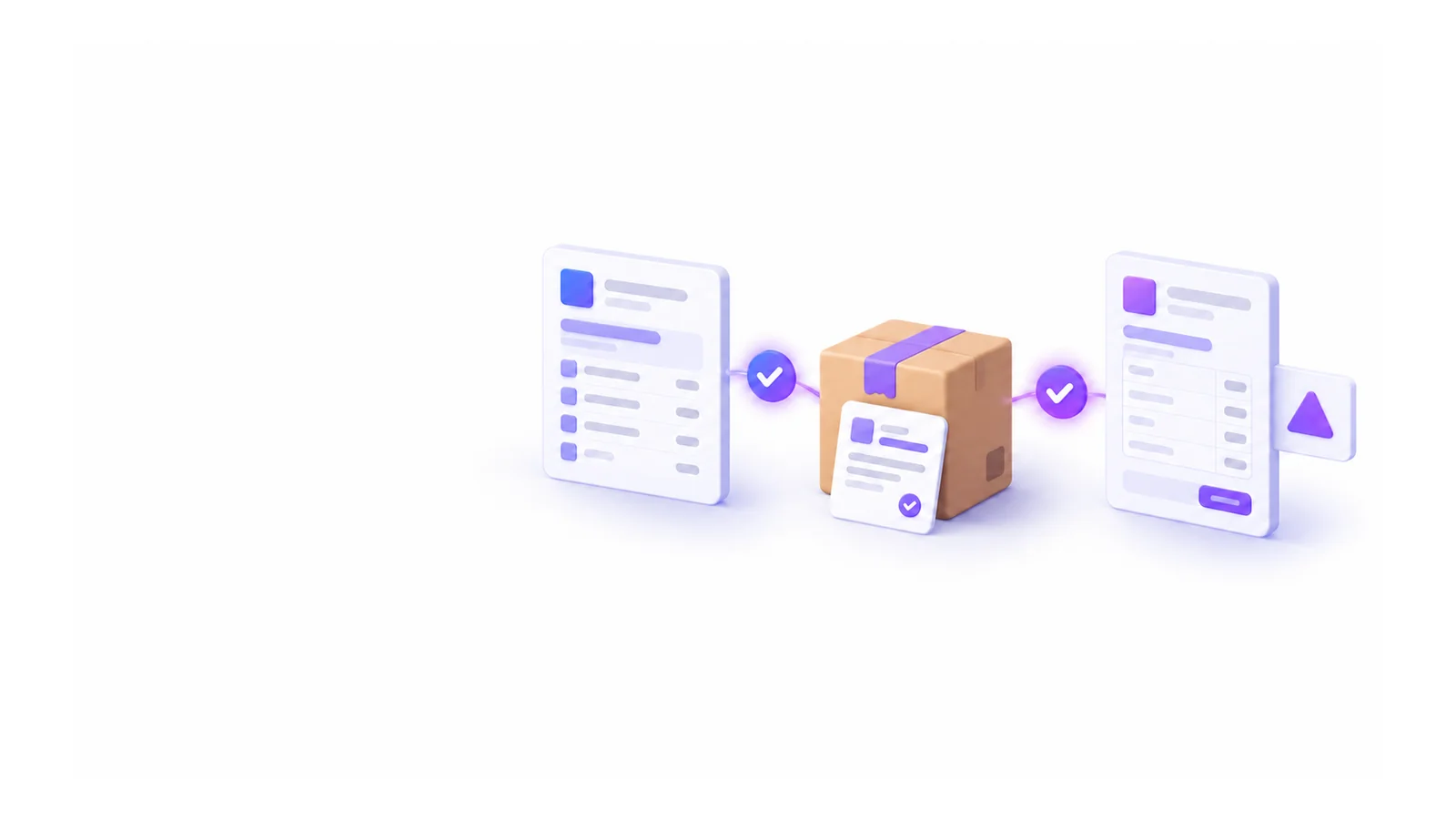
A supplier invoice arrives for 100 units at the agreed price. It looks right, someone approves it, and it gets paid. What nobody checked: only 92 units arrived, and six of those were damaged at the door. Multiply that by a few hundred invoices a year and it becomes real money, paid quietly for goods you never had.
Three-way matching is the standard control against this. Before an invoice is paid, it is compared with two other documents: what you ordered and what you actually received. If all three agree, the invoice goes through. If they do not, someone decides what to do before money leaves the company.
This guide explains the three documents, how tolerances keep the process from becoming a bottleneck, what to do with invoices that do not match, and how to start even if your purchasing today runs on e-mail.
The three documents
- The purchase order (PO): what you agreed to buy, how many, at what price, by when. It is your side of the deal, sent to the supplier before delivery.
- The delivery note or goods receipt: what actually arrived, counted at the door. Damaged or short goods are recorded here, not later.
- The supplier invoice: what the supplier asks you to pay.
A two-way match compares only the order and the invoice. It catches price changes but not short deliveries. The third document, the receipt, is what tells you whether you are paying for goods you actually have.
What the match checks
For each line, the match compares:
- Quantity: is the billed quantity the same as the quantity accepted on the delivery note?
- Price: is the invoice price the same as the price on the order?
- Product: does the invoice bill only products that are on the order?
It also catches the obvious problems: an invoice for an order where nothing has arrived yet, and the same supplier invoice number entered twice.
Tolerances: strict where it matters, relaxed where it does not
If every one-cent rounding difference stopped an invoice, finance would drown in exceptions and people would start approving everything without reading it. Tolerances fix this. A small difference within the tolerance is accepted automatically; a bigger one waits for a decision.
Typical starting points:
- Price tolerance: around 1 %, to absorb rounding and small currency differences.
- Quantity tolerance: zero for counted goods. If you ordered 100 and received 92, you pay for 92. Goods sold by weight or volume may need a small tolerance.
Review the exceptions after a month. If most are tiny and always accepted, widen the tolerance a little. If a supplier keeps landing just inside it, look more closely at that supplier.
Receiving is where the match is won
The match is only as good as the delivery note. A receiver who signs for "100 units" without counting makes the whole control worthless. Make receiving a short, firm routine:
- Count before you sign, or sign "subject to count".
- Record damaged goods separately from good ones. Damaged goods should be refused and never enter stock.
- Record what actually came, even if it is only part of the order. A delivery in parts gets a delivery note for each part.
- Inspect where it matters: perishables, safety items, high-value goods. Our post on inspections and corrective actions shows how to make a failed check lead to a fix.
What to do with an invoice that does not match
An invoice outside the tolerances should not be posted or paid. It goes to a short queue with four possible decisions:
- Accept as it is, with a note explaining why: for example, an agreed price increase the order did not capture. Accepting a difference should need a person with the right to approve it.
- Dispute with the supplier: you have asked a question and are waiting. The invoice stays in the queue.
- Return to the supplier: the invoice is wrong and you want a corrected one. Nothing is posted.
- Match again: the delivery note was missing and has now been recorded.
Every decision should be recorded with who made it and why. When the auditor asks why you paid 4 % more than the order, the answer is one click away.
Before the order: requests, approvals and quotes
Three-way matching works best when the order itself was right. Two steps before the PO help:
- Purchase requests with approval limits. Small purchases within budget go through at once; larger ones need one approval, very large ones two. Nobody approves their own request. Our post on approvals that don't slow you down explains how to set those limits.
- Quotes from several suppliers. For anything above a set amount, ask two or three suppliers to quote and compare them side by side, not only on price but on delivery time and past quality.
Start small
You do not need to change all purchasing at once. A practical start:
- Week 1: use purchase orders for your five biggest suppliers, sent by link or e-mail.
- Week 2: record a delivery note for every delivery from those suppliers, with damaged and short goods.
- Week 3: match their invoices and set your tolerances.
- Week 4: review the exceptions and extend to the next suppliers.
How to do it in Kluvan
Procurement runs purchase requests, quotes, purchase orders, delivery notes and the three-way match, and posts matched invoices to Books. It works with Inventory, which it needs for products and stock. Kluvan runs online with nothing to install, and suppliers answer from their phone without an account.
- Settings. In Settings → Procurement settings, set the approval amounts, who approves, the quantity and price tolerances, monthly budgets, payment terms and alerts. By default the price tolerance is 1 % and the quantity tolerance 0. See set up Procurement.
- Requests and approvals. Requests are approved in one or two steps against your amounts and budgets; nobody approves their own request. See raise and approve a purchase request.
- Quotes by link. Send a request for quotes by link to up to eight suppliers, compare their prices side by side and order from the best one. See ask suppliers for quotes.
- Purchase orders by link. The supplier confirms, changes or declines the order from a private link, with no sign-in, or in the supplier portal. See send a purchase order by link.
- Delivery note and match. Record what was delivered and what was damaged; damaged goods never enter stock. Then record the supplier's invoice, or fill it from a photo with the invoice reader, and select Match and save. Within the tolerances it posts as a Books bill with its VAT and due date. See receive goods and match the invoice.
- Invoices to check. Invoices outside the tolerances wait with what is wrong and the difference; accept, dispute, return or match again, with a note and a history of every decision. See handle invoices to check.
- Supplier scorecards. See what you owe each supplier by days past due, and how each one performs on delivery time, fill rate, price and damage.
Prices that include VAT, common in the UAE and Egypt, are handled, with the recoverable VAT taken out when the bill is posted. Procurement is sold on its own (with Inventory) and comes with the Trade Business bundle and Kluvan One; see pricing.
Suppliers can also answer quotes, confirm orders and send delivery notes in the portal, described in a customer portal for invoices, quotes and payments.
Pick your largest supplier and match its next ten invoices. If all ten agree, you have peace of mind. If they do not, the control has already paid for itself.